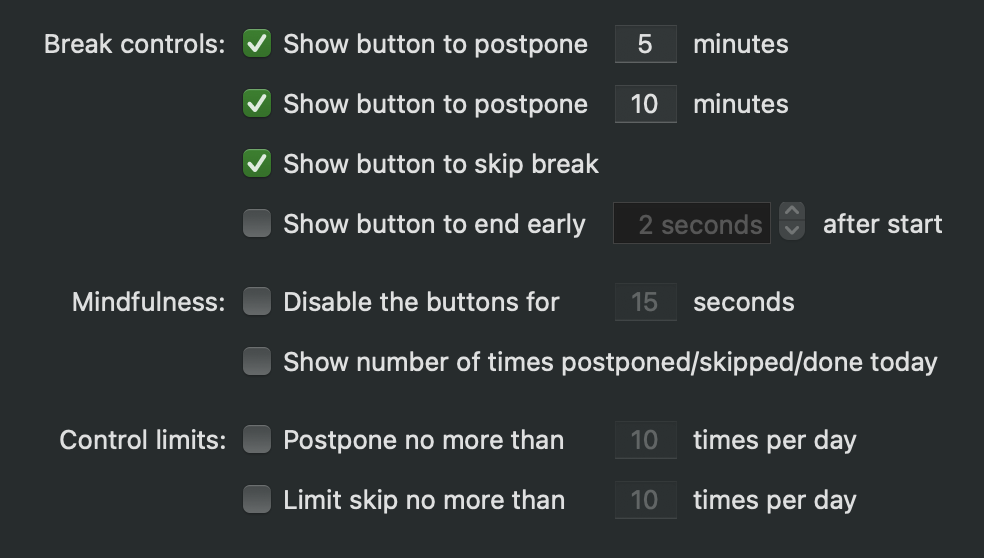
Can I move the Time Out break controls, or change the buttons?
· FAQ · Time Out
Read More
· FAQ · Time Out
Read More
· FAQ · Time Out
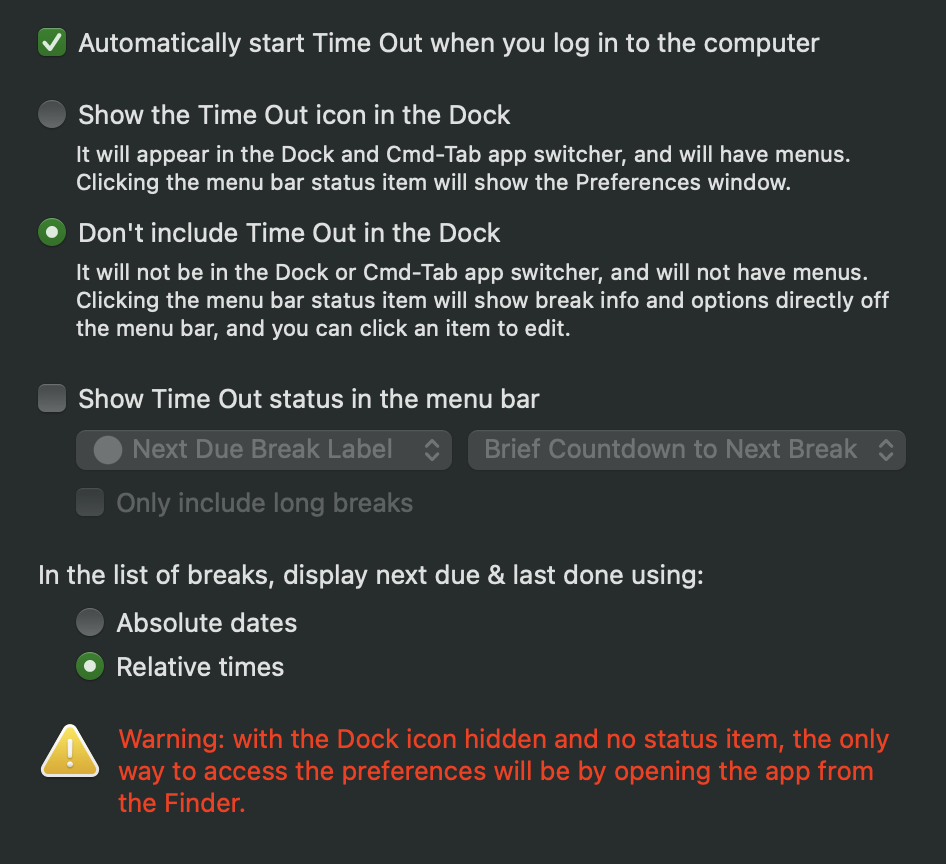
If no break appears when you manually start one, or as scheduled, there are a few possibilities.
To fix a permissions issue, try this:
Make sure Time Out is in your Applications folder.
Paste the following command into Terminal:
xattr -d -r -s com.apple.quarantine /Applications/Time\ Out.app
If this gives a permissions error (e.g.…
Read More
· FAQ · Time Out
Read More
· FAQ · Time Out
"Natural breaks" are when the Mac is not being used; idle.
By default, Time Out will wait briefly then count backwards when you are having a natural break, to give you credit for not using your computer.
If you do a lot of reading on-screen, that doesn't cause keyboard or mouse activity, you can change the app to disable this behavior by choosing Continue Countdown from the popup menu on the Break Appearance page of the settings.
Or if you'd prefer to have it just pause the countdown, instead of counting backwards, or reset the timer, those are also options.
Read More
· FAQ · Time Out
Yes. I recommend that you always use the latest version of Time Out if you can, as it has the latest improvements and fixes. But if your Mac isn't using a recent OS version, you're curious what older versions were like, or you have some other reason to want an older version, they are still available. Just download the latest release that supports your OS version.
Read More
· release · Time Out
Read More